
Here's Why you Should Install Linux and Say Goodbye to Microsoft Windows
First off, why is Microsoft so bad?

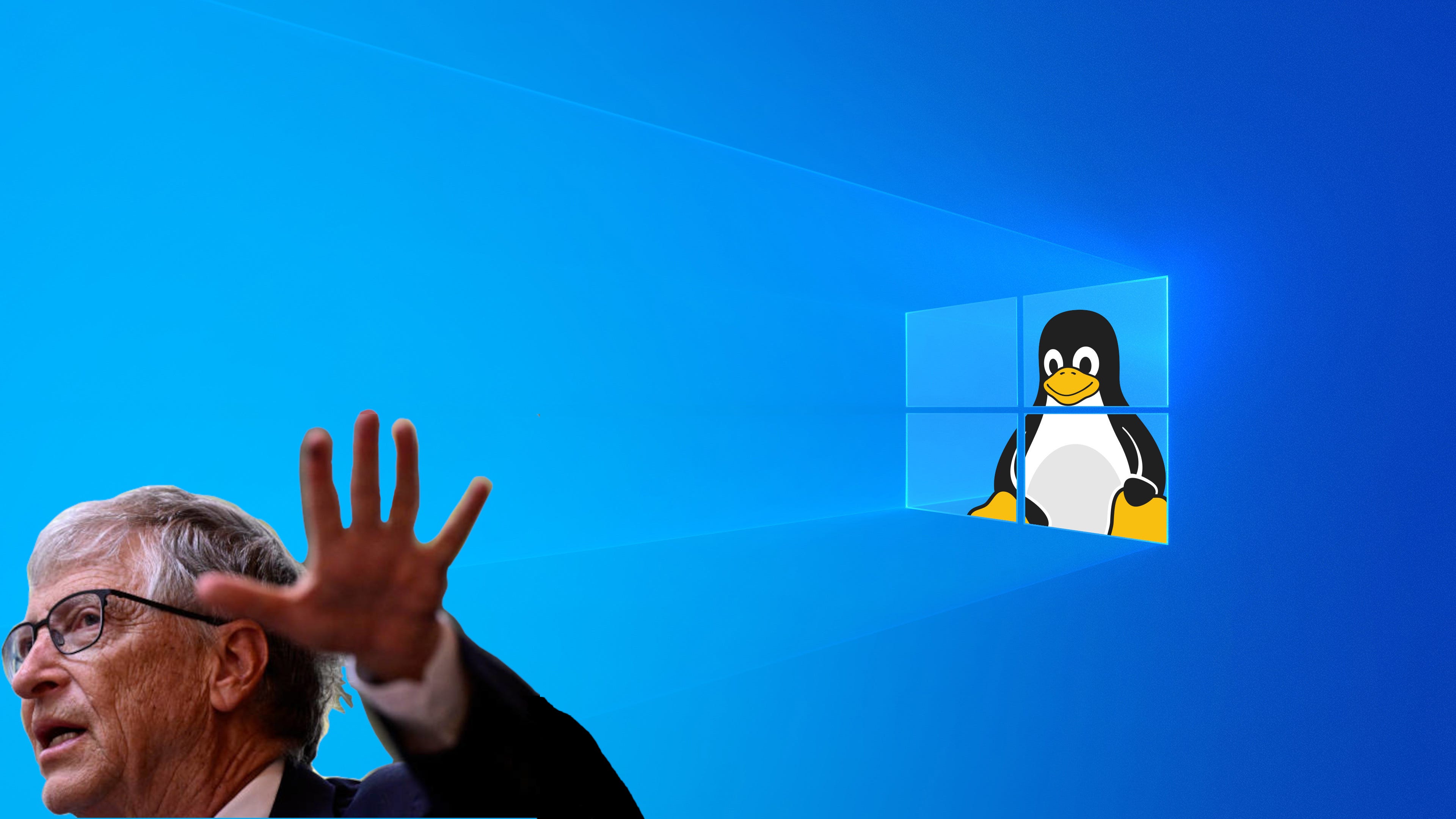
If you are paying any attention to our political moment, you are probably boycotting corporations like Amazon, Google, Target, and others because they support the Trump regime. But Microsoft Windows is the elephant in the room that has been flying under the radar for way too long. I think it’s time to put them on our boycott list, everyone. Here's how you do it.
When people think of computers, they think Windows; that’s it. And Microsoft loves that everyone believes that. This is called marketing. Microsoft cornered the global operating system market. And after all, it makes sense to have a single operating system for everyone worldwide; uniformity is good for functionality. It makes things simple, but simple is what Microsoft ain’t. If corporate greed didn’t exist, we’d be sitting great. But I regret to inform you, corporations are greedy as fuck.
Microsoft’s domination of world markets also means power, lots of unrestrained power, and it’s like a monopoly on steroids. Cornered markets also mean you are cornered into a Windows ecosystem. It’s easier for software companies only to support products that run on Windows. And that worked really well for the last few decades. And back then, Windows saw you as a customer, and their focus was mainly on improving their product for you. That has changed a bit to put it mildly; you are now the product. Let me try to explain.
You don’t pay anything for Windows these days; it is “free”. So, like a free app you download to your phone, there is always a catch. The grand marketing of Microsoft Windows design is to make you an asset to Microsoft. The system on your computer is now the system Windows uses to collect data, sell you things, advertise products, make you increasingly dependent on its services, and convince you that Windows is the only way to access your computer.
And now they want to supplement this strategy by having AI sit on top of the pile and tell you what you need, or better yet, do things for you. People say that AI generated 30% of Windows code. Welcome to AI hell. But wait, there’s more.
Let’s look at some more annoying things Windows has in store for you. Numero uno annoyance, the endless, upsetting, unnecessary, and pesky updates happening all the frigging time, even in the middle of your work. Here’s the real problem: Windows no longer obeys your commands. Even if you tell it to stop by clicking NO MORE UPDATES on the radio buttons, it is just a matter of time before Windows forces a new update on your ass, whether you want it or not. But the fun doesn’t stop there. You have no control over Windows at all.
One time, I watched a video about the 10 things you must turn off in Windows to prevent them from selling your data, spying on you, or hogging your hardware power. So I did. I went item by item, turning each one of them off. It felt like that scene in 2001: A Space Odyssey when David is turning off Hal.“David, I can really see you’re upset about this.” But all your special tweaks will be useless, because the next time Windows forces an update on your computer, your changes will revert to the factory preset. Thanks for nothing, Microsoft.
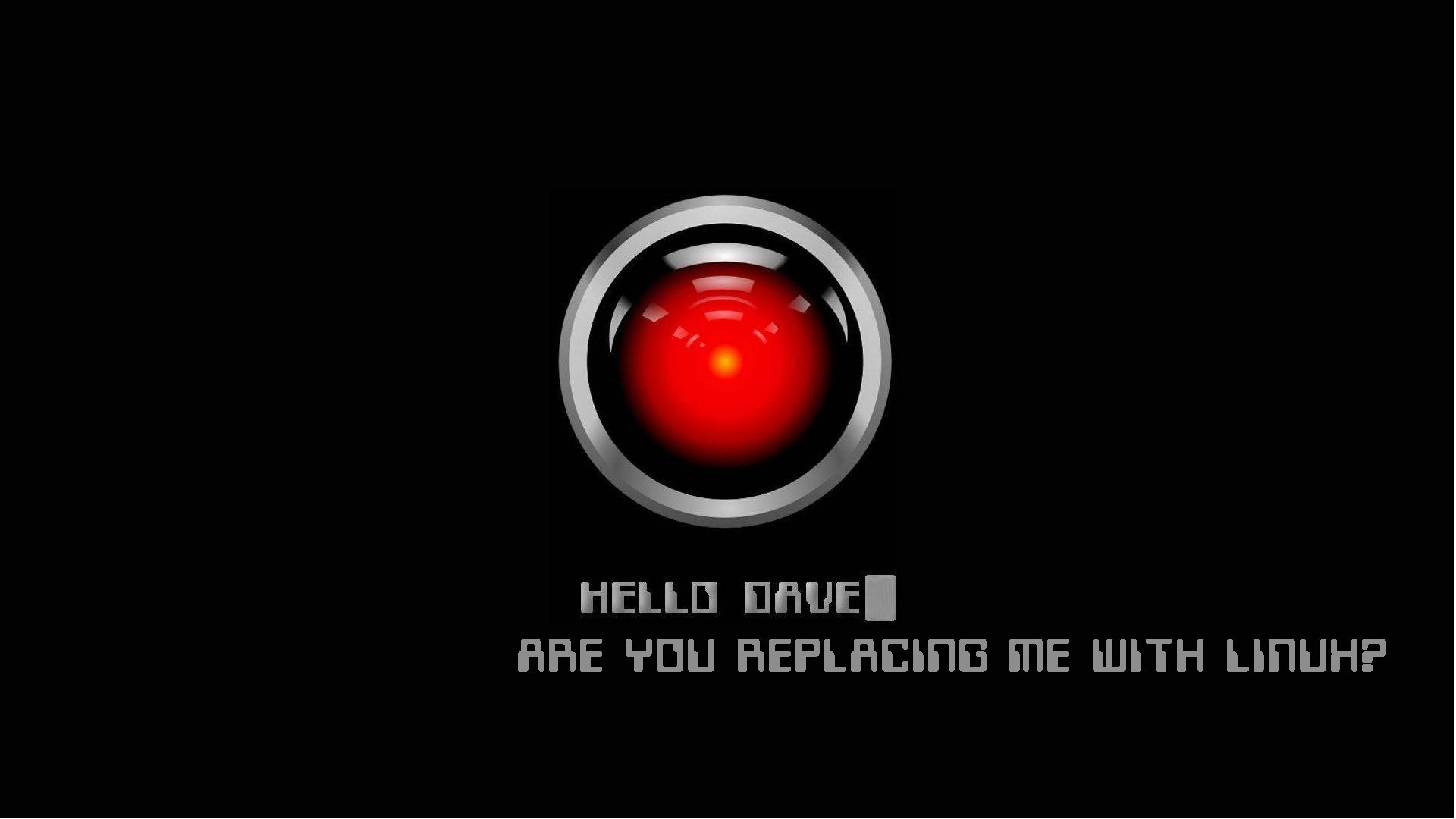
One of the main reasons I’ve moved to Linux is that Windows updates were actually screwing with my computer, making it unstable. The latest update cut off my wired internet connection, and as of this writing, I still can’t figure out what happened or how to fix it, even after searching online for advice. All of a sudden, I decided to take another look at Linux. And I’m thrilled I did, and I hope you do too.
Ah...one more thing. With Microsoft ending support for Windows 10 and forcing millions to buy a new machine that runs Windows 11, people are just pissed, more on that later...
Please try Linux
Linux is an operating system that looks like Windows, but it is nothing like it. First off, Linux is an open-source software. Meaning, it is not written, owned, or maintained by a corporation. Linux is free, created, and supported by its users and a community of software developers dedicated to building an intelligent product that serves you, not a profit-driven corporation. Open-source software has improved a lot and merits a test drive.
I used to think of Linux as an OS for hackers and geeks. When I heard the word “Linux,” I immediately conjured images of your average basement geek typing esoteric commands at a prompt. But Windows became so problematic that it drove me to Linux, and it was a blessing.
The implementation is much easier to use these days, Windows-like, and very stable. There are many great Linux tutorials. Anyone can use Linux without knowing a single command line. But using the terminal is relatively easy, and I’m becoming a fan ot if. If you want to download an application, enter a command, press Enter, and it’s done. They are also fun to learn. Anyone can do it.
The Linux state of mind
What is so interesting about Linux is that it’s more than just software, but a great way to be active outside the corporate box, a different way of thinking. Some say the disadvantage of Linux is that some third-party software is not compatible; fair game. Microsoft Office, Adobe Photoshop, and Lightroom, among others, are not native to Linux because these companies do not support Linux (however, you can use patches to make them work). But you don’t need to do that.
Switching to Linux helps you unplug from the matrix. You’ll take charge of your computer settings. It might be a little challenging at first, but it's rewarding in the end. Using Linux makes you realize how formatted you’ve been. The truth is that the open source community has evolved so much that, in many ways, it is better than the status quo. One thousand heads thinking is better than a dozen.
You’ll get to know a new way of doing things, and you may find out that the alternative open-source software is actually better than the brands you’re used to relying on. For instance, I use Adobe’s Lightroom, but I looked up alternatives and found Darktable to be much better. It also reminds you that, to a degree, being off the grid requires stepping out of your comfort zone and discovering new ways to do things. Necessity is the mother of all inventions.
Linux Mint distro
Distro means distribution. Linux is the engine, and distros are the different ways the operating system is organised to serve various users. There are lots of distros. But I did the research and found the best, so you don’t have to. And Linux Mint is one of the best distros for everyday use and for Linux beginners. Clean, light, and elegant.
Linux Mint is the distro most similar to Windows in terms of looks and feel. Linux Mint will instantly charm you. Not only because it looks and feels like Windows, but also because it works really well. You can install it on your old laptop or desktop and bring it back to life. You’ll breathe new life into your once-thought-obsolete hardware, thanks to Windows increasingly bloated system and updates. But here’s the best part.
You don’t even need to install to try it. You can use Linux Mint without making any changes to your computer. Download it to your USB drive, get a 20 GB drive, create a bootable image, and launch Linux Mint. Just keep using it as you would typically use your computer. Soon, you’ll realise that Linux is so much better than Windows, you’ll install it and forget about Windows, and be puzzled as to why you didn’t switch to it sooner.
If Windows is a bloated software with a million things running under the hood, things you don’t need and only cause your computer to either become obsolete or increasingly slow, Linux is the opposite of that, with only the essentials on board and a straight and clean connection to your hardware. Once you install Linux, it will stay the same forever. You own it, and it serves you.
Technical stuff about Linux
Linux is generally considered faster than Windows due to several key technical and architectural differences. One of the primary reasons is its lightweight design and efficient resource usage; Linux consumes less RAM and CPU, allowing more system power to be directed toward applications rather than the operating system itself. This efficiency is particularly beneficial on older or lower-spec hardware, where Linux can breathe new life into aging machines by reducing system overhead.
The Linux kernel is optimised to handle multiple processes simultaneously, enhancing multitasking performance and responsiveness, especially in server environments and high-load scenarios. In contrast, Windows often runs numerous background services and applications that can consume significant system resources, potentially slowing down performance over time. This difference is further exacerbated by the fact that Windows often includes bloatware—pre-installed software that runs in the background and consumes CPU and memory.
File system design also contributes to Linux’s speed advantage. Modern Linux distributions commonly use file systems like EXT4, which are designed for efficiency and performance with large files and complex directory structures. In comparison, Windows relies on the older NTFS file system, which has seen limited updates and may not perform as well in specific scenarios, particularly with file copying and I/O operations. For example, tests have shown Linux can copy files up to 30 times faster than Windows 10 on the same hardware, partly due to more efficient I/O handling and background disk caching.
Additionally, Linux’s modular architecture allows users to customise their installations by including only necessary components, reducing system overhead and improving stability. This modularity, combined with Linux’s open-source nature, enables rapid security updates and community-driven improvements, thereby improving performance and reliability. Some Linux distributions, such as Clear Linux (developed by Intel), have been shown to outperform Windows 11 in CPU, GPU, and memory performance, especially in compute-intensive tasks like compiling code or running AI/ML workloads.
Last words
An operating system might not mean too much to most people. It is just something in your computer, and most people don’t even notice it. But to me, there is a political component to everything we do in life. Computers are such a fundamental part of our lives; I find it essential to pay attention to who manages them on your behalf. Using Linux is a significant step toward connecting with the alternative and open-source community. Using Linux is another way to say you are taking charge and not mindlessly submitting to corporate schemes that not only don’t help you, but also don’t make our world a better place.
I've installed Ubuntu Studio on one of my old desktops in my jewelry studio to listen to music. Impressive how it works. Then I installed Linux Mint on my laptop, and it performs flawlessly. I've also did a dual boot intalation on my larger desktop I use to 3D work using blender. I have to go back and forth to windows to pick up things, but I will not need to go back very soon.
Excellent alternative, thank you, Del Toro!